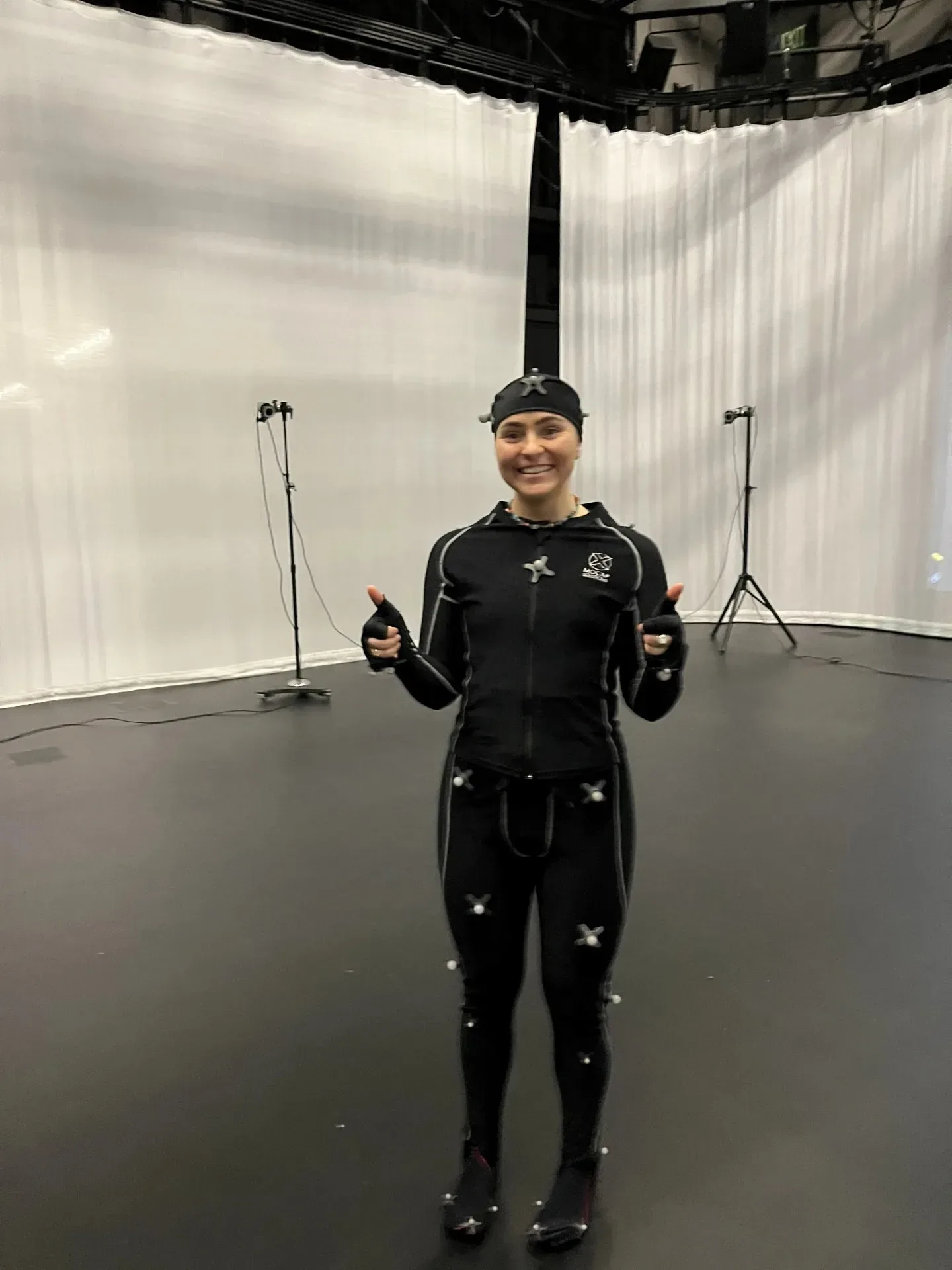
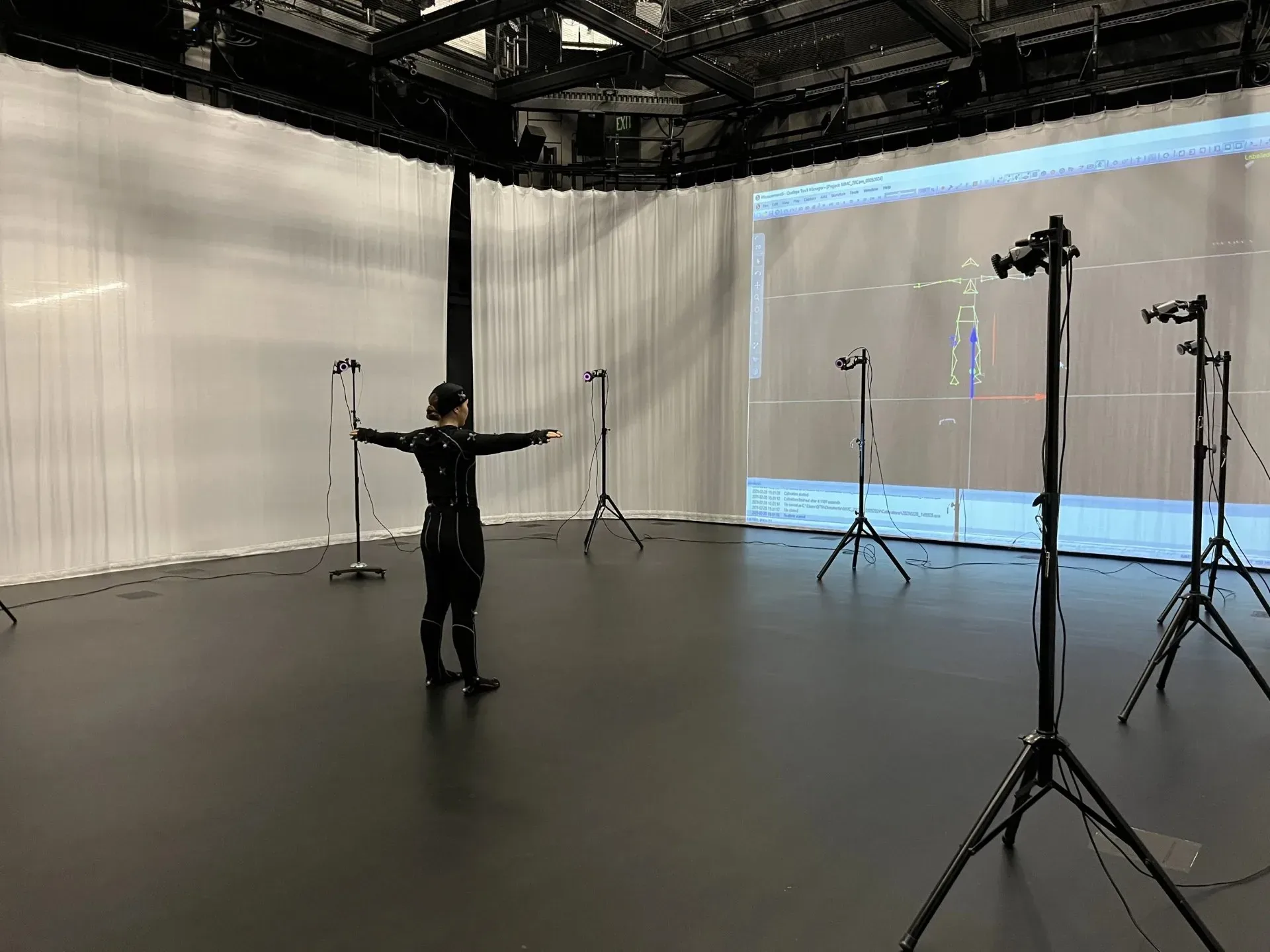
I captured a comprehensive animation set using a Qualysis Motion Capture system, and used it to animate a character in Unity 3D.
Motion Capture
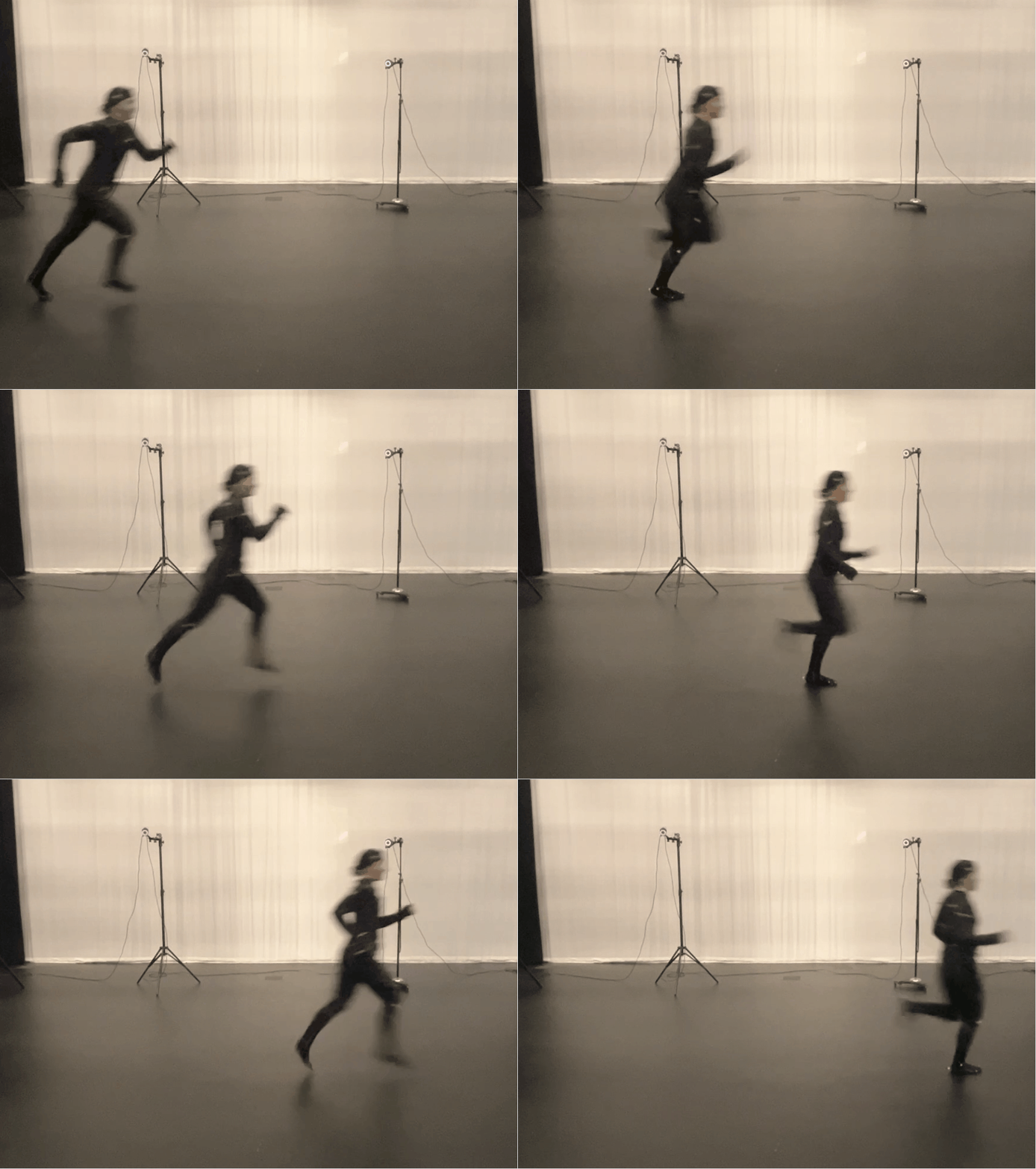
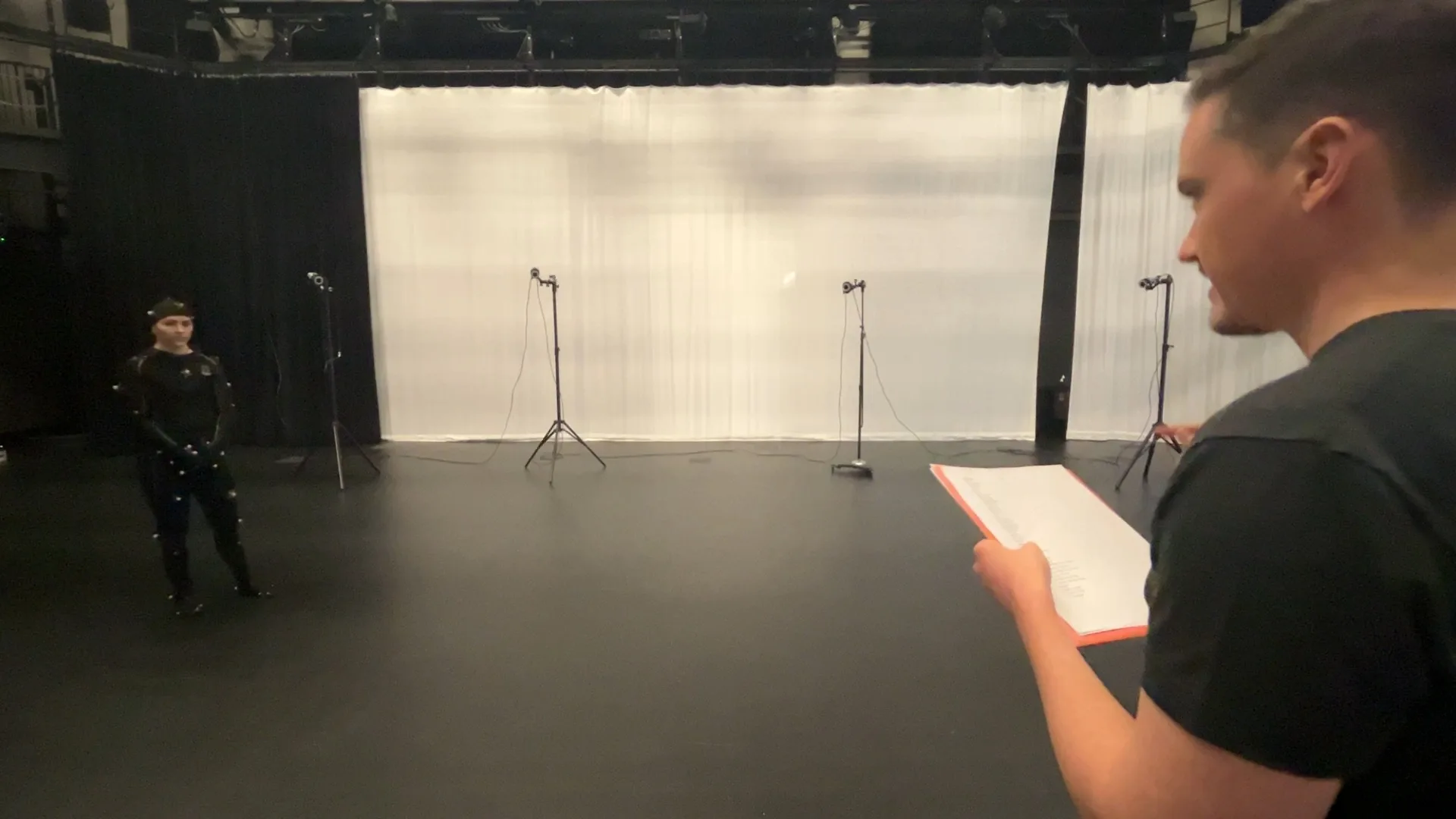
Using the Qualysis Motion capture system in in B2 Blackbox studio at ATLAS, I captured a comprehensive array of animations required for basic locomotion and object interaction.
eg. Idle, Walk Start, Walk Stop, Walk Turn 180, Run Forward. Standing Jump, Forward Jump, etc.
I imported the animations as .bvh files, cut to useable or loopable clips, and cleaned up in Blender 3D.
The animation set can be remapped to characters of various proportions, either in Blender or directly using Unity 3D’s humanoid animation remapping.
Character Modelling
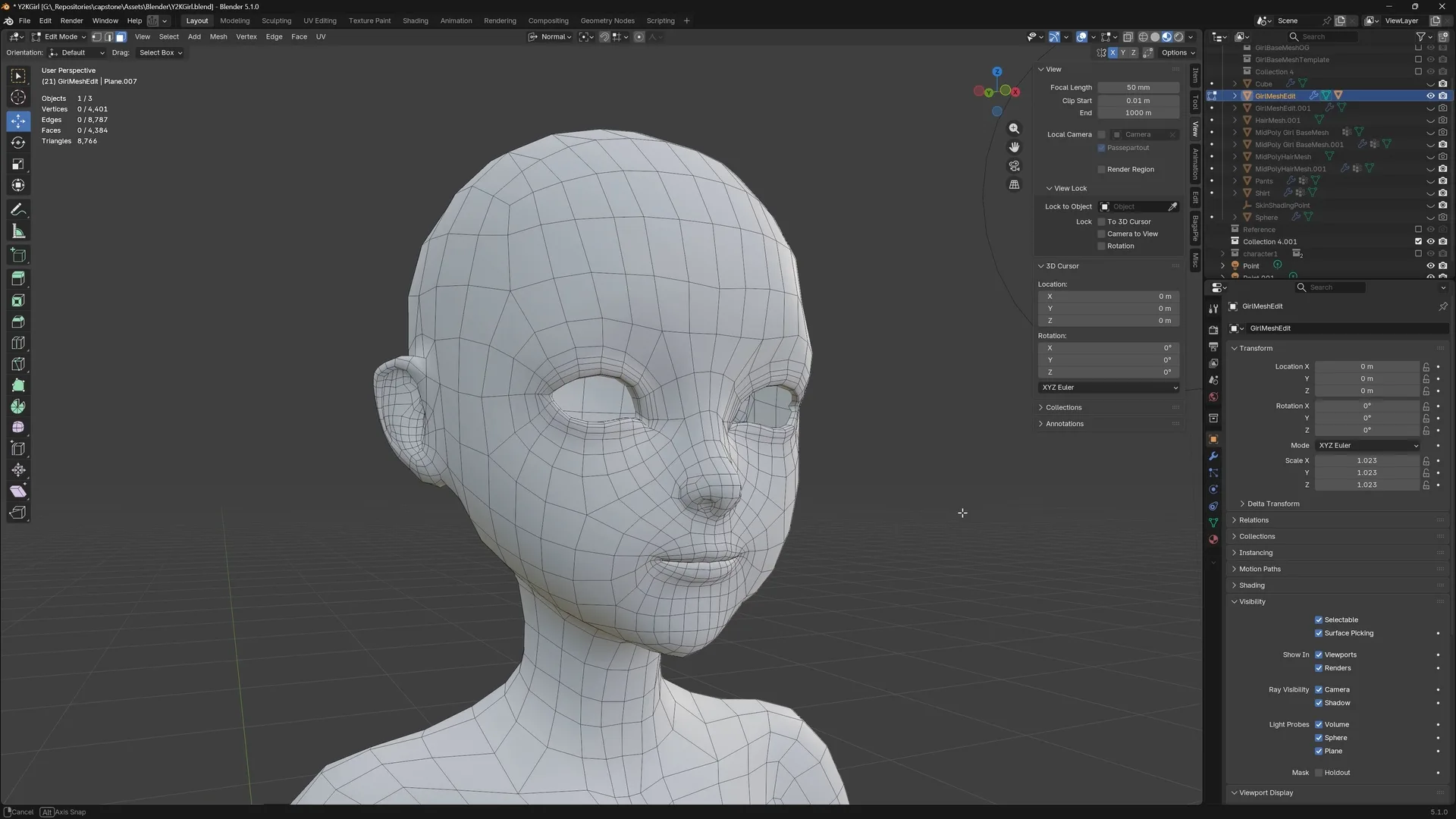
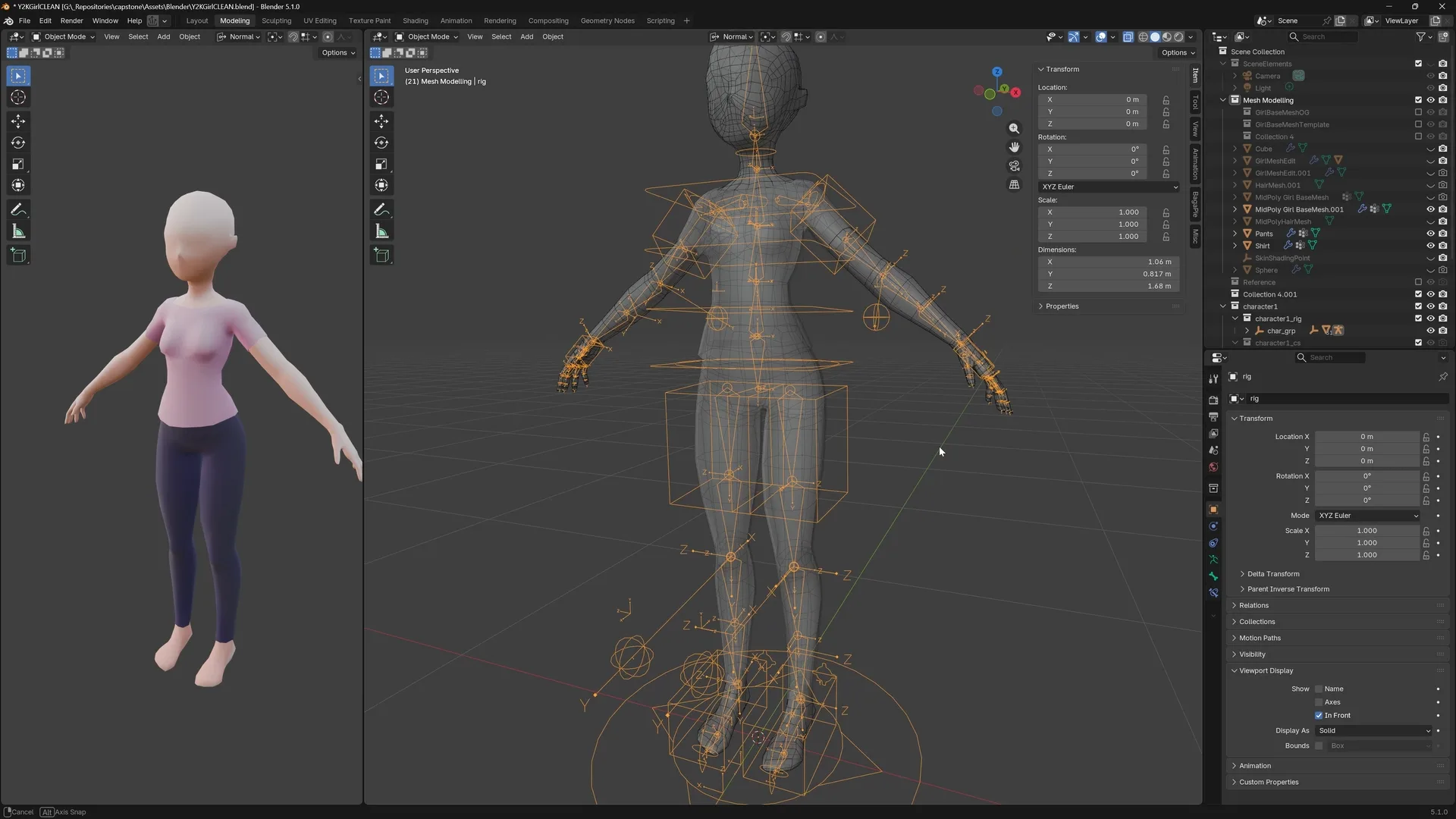
I modelled and rigged a prototype character in Blender: The goal at this stage was to create a reusable base mesh that could serve as a starting point for additional characters, and guarantee quality rigging and compatibility with the motion captured animations. The character follows topology best practices for clean animations.
Character Controller and Animation
The game character consists of three components:
- A kinematic motor, which handles movement instructions, collision, physics, and grounding.
- A finite state machine, for character movement: each state (locomotion, jump, fall, slide, etc.) handles its own discrete movement calculation, and updates the kinematic motor velocity. The discrete state transitions prevent unwanted interaction or character input (eg. player can only jump while on the ground.)
- An animation controller, built in Unity’s Mechanim, which plays the appropriate motion captured animations